Tutorial
Schedule a session with a client
A session with a client means a reminder the day before, and you know who’s coming.
Screenshots are shown in French.
Step by step
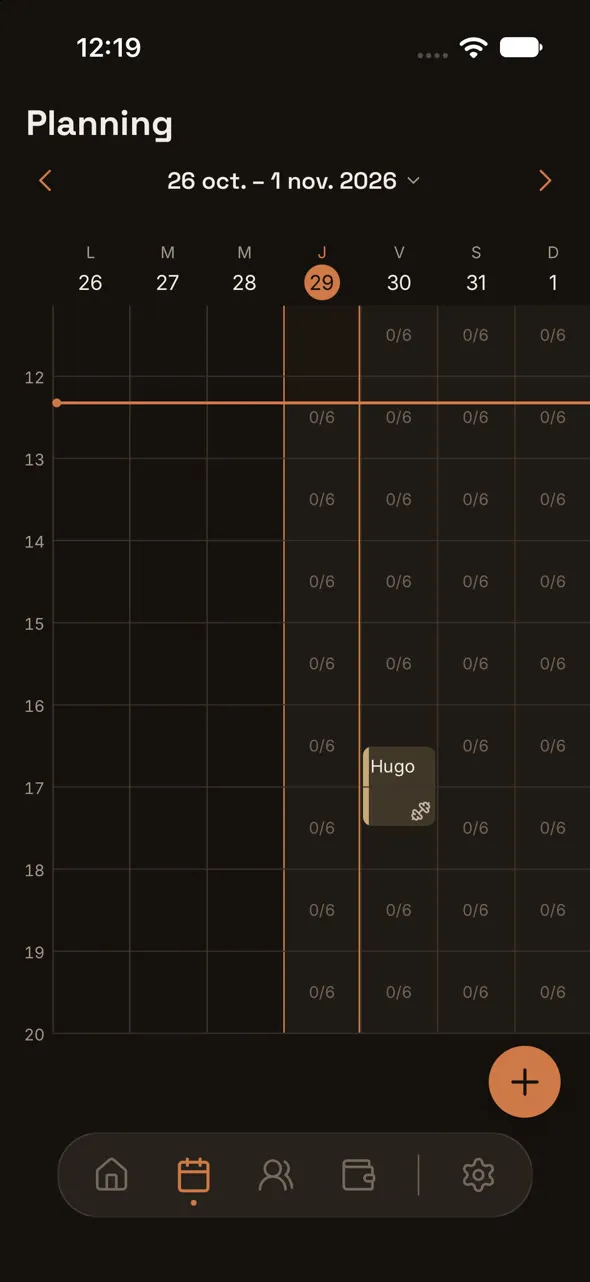
1.In Schedule, tap a time slot, then Add a participant.
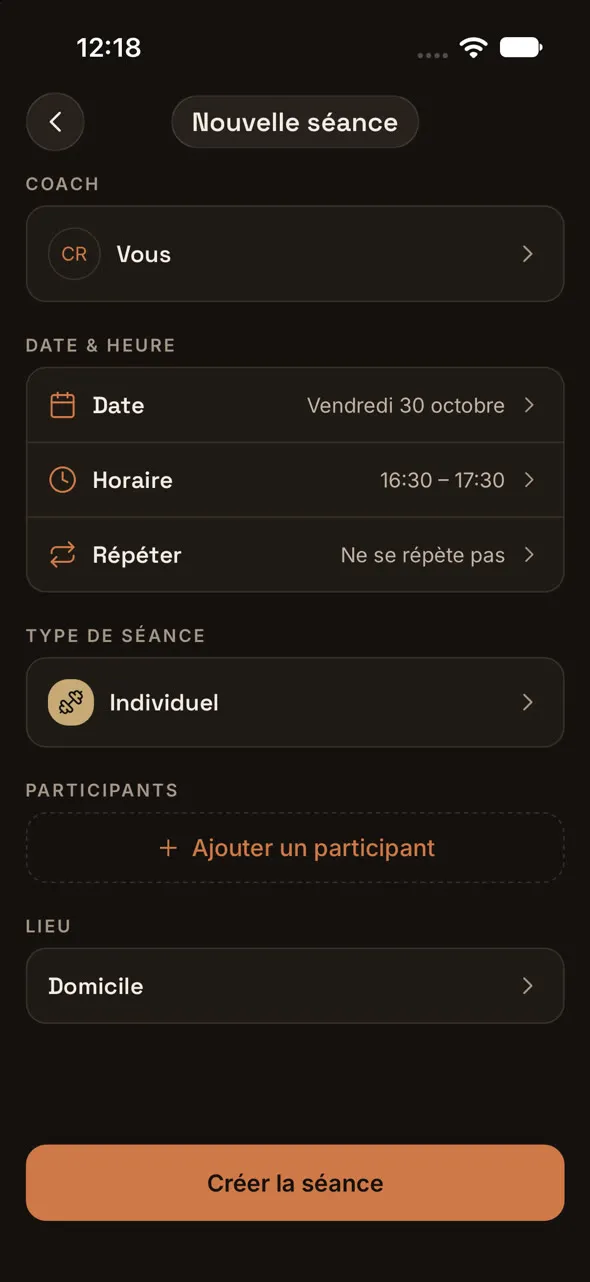
2.Choose your client, then tap Create session.
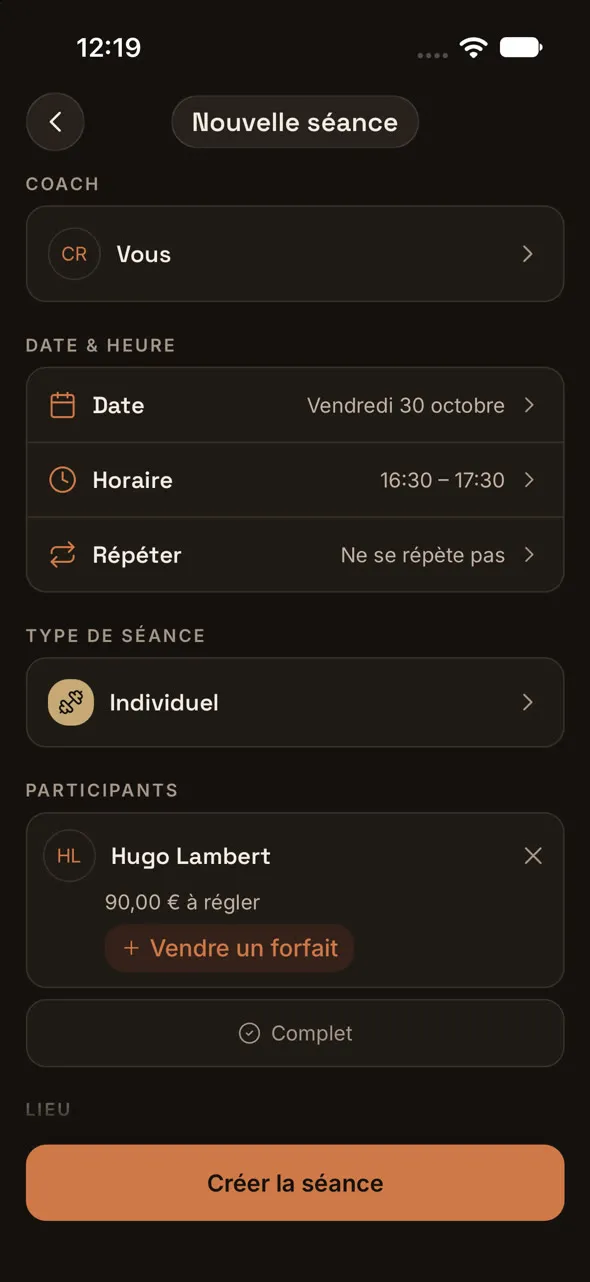
3.The session shows up in your schedule, with your client’s first name.